Prescriptions
How to Order a Repeat Prescription Online: A Guide for NHS Patients
Published
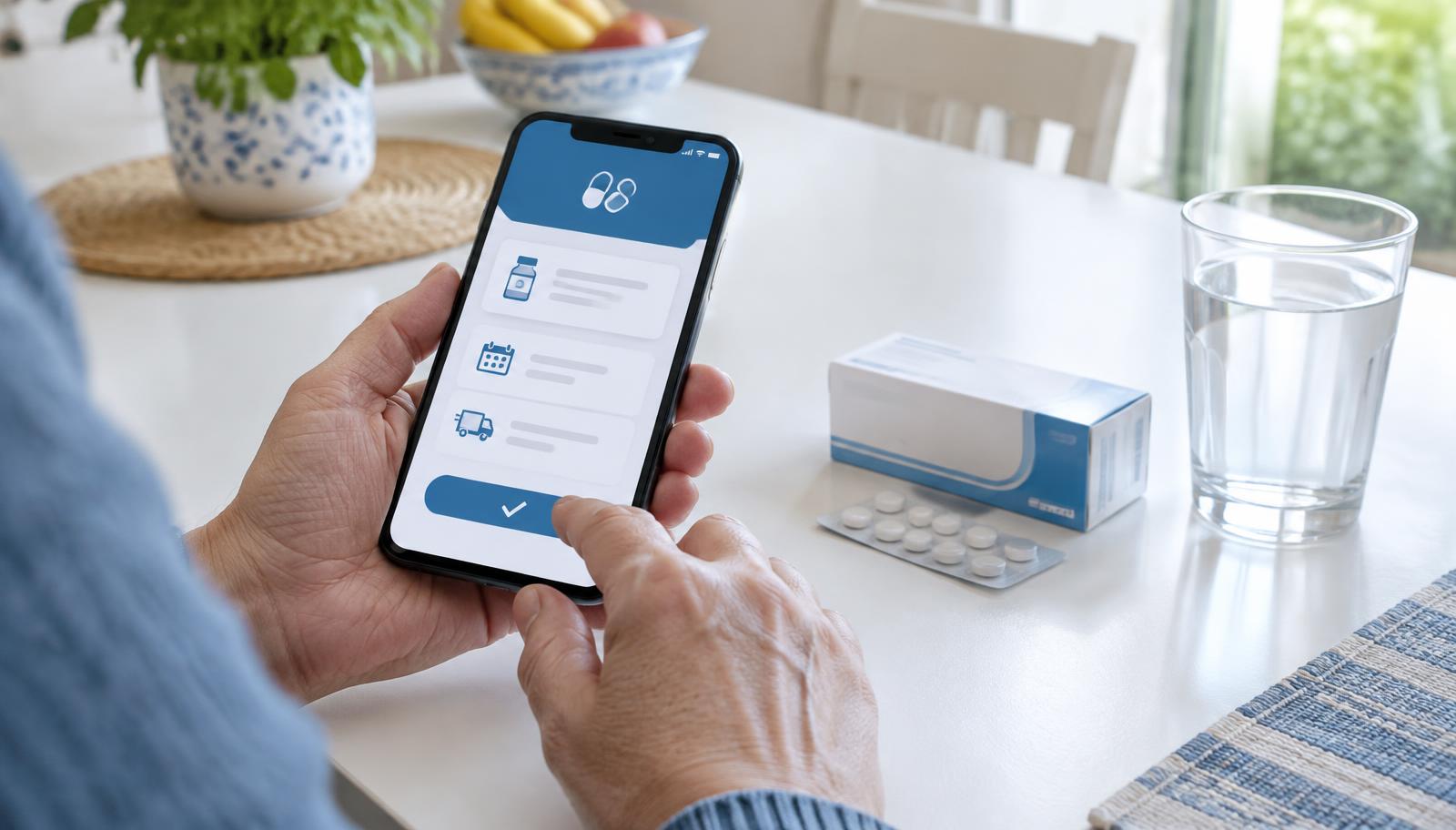
If you take regular medication, knowing how to order a repeat prescription online can help you keep track of your medicines and avoid leaving your next request until the last minute. NHS patients can use the NHS App or their online patient account to request eligible repeat medication without having to contact their GP for every routine order.
At Higham Hill Medical Centre, patients can use the prescriptions page to access the NHS repeat prescription service, manage their nominated pharmacy and find help with medication-related questions.
Need to request your medication? Order your repeat prescription through the NHS App or online account.
What Is a Repeat Prescription?
A repeat prescription allows you to obtain medication that a GP or other authorised prescriber has approved for ongoing use without having to request a new prescription through a consultation every time.
It is commonly used for long-term conditions that require regular treatment. For example, someone who takes prescribed medication for high blood pressure or asthma might have repeat medicines listed in their NHS account.
Not every medicine qualifies for automatic repeat ordering. Some prescriptions are issued for a single course of treatment, while others require a clinician to review the medication before approving another supply. Your prescription record and the instructions from your GP practice can help you understand which applies to you.
How to Order a Repeat Prescription Online
The NHS App is one of the main ways to request repeat medication. You can also use your NHS account through the NHS website, depending on the services available to you.
Follow these steps to submit an online repeat prescription request.
1. Sign in to your NHS account
Open the NHS App or sign in to your NHS account online. Go to the prescriptions section and select the option to request a repeat prescription.
If you have not set up access, follow the account registration instructions. The medicines and services available in your account depend on your GP practice and the type of prescription.
2. Select the medication you need
Review the repeat medicines displayed in your account and select the items you need to request. Check the medicine name and any available details carefully before submitting your order.
Only request the medication you currently need. Ordering carefully helps avoid unnecessary supplies and gives the practice a clearer picture of your request.
3. Check your nominated pharmacy
Your nominated pharmacy is the pharmacy selected to receive your electronic prescription. Check that the displayed pharmacy is convenient for you before completing the request.
If you need to change your selection, use the pharmacy-management option available through your NHS account. You can also find the pharmacy nomination option on the practice's prescriptions page.
4. Submit the request and allow processing time
Check the details before submitting your request. Once submitted, the request goes to the practice for review and approval; sending a request does not mean that the prescription has already been issued.
The NHS advises patients to request repeat medication up to five working days before they need it. Allow additional time where necessary for the prescription to reach the pharmacy and for the pharmacy to prepare the medicine. Public holidays and individual circumstances can affect when medication is ready.
How Repeat Prescriptions Work in the UK
Understanding how repeat prescriptions work in the UK helps explain why there can be a gap between placing an order and collecting medication.
The process generally follows four stages:
- Request: You select the repeat medicines you need through the NHS App, your online account or another method supported by your GP practice.
- Clinical review: The practice checks the request. A clinician might need to review the medicine, check monitoring requirements or confirm that another supply is appropriate.
- Prescription issued: Once approved, the prescription is issued and, where electronic prescribing is used, sent to your nominated pharmacy.
- Dispensing and collection: The pharmacy prepares the medicine and advises you when it is ready, according to its arrangements.
The practice and pharmacy have different responsibilities. Your GP practice authorises the prescription, while the pharmacy dispenses the medication. If a request has been submitted but the medicine is not ready, check which stage it has reached before submitting another request.

For further guidance, read the NHS advice on how to order a repeat prescription.
What If Your Medication Is Missing From the NHS App?
A medicine that does not appear as available to order is not necessarily a technical fault. There are several possible reasons.
- It is too early to request another supply. The system can restrict ordering until the next eligible date.
- A medication review is due. The practice might need to check that the medicine remains suitable before issuing more.
- The medicine is not eligible for online ordering. Some prescriptions require a different process or direct contact with the practice.
- The medicine is managed under a different arrangement. Some patients have repeat dispensing or specialist prescribing arrangements that change how their medication is supplied.
If you cannot select a medicine, do not assume it has been discontinued or change how you take it without professional advice. Use the online medication query service to ask the practice about a missing medicine, a review or a prescription problem.
Why You Should Request Medication in Good Time
Leaving a prescription request until the day your medication runs out can create avoidable pressure, particularly around weekends and bank holidays.
A useful habit is to check your remaining supply and submit your request early enough for the practice and pharmacy to complete their respective steps. The NHS recommends requesting repeat medication up to five working days before it is needed.
For example, if you notice that your regular tablets are running low, check your account and submit the request in advance rather than waiting until the final dose. This gives you more time to follow up if a review is required or a medicine is not available to order.
Do not order medication unnecessarily early or stockpile medicines. Follow the instructions given for your prescription and contact the practice if you are unsure when to request the next supply.
When Do You Need a Medication Review?
Some repeat medicines require ongoing monitoring to make sure they remain safe and appropriate. Depending on the medicine, this can include blood tests, blood-pressure checks or a clinical review.
If your request cannot be completed because monitoring is overdue, follow the instructions provided by the practice. Do not stop a prescribed medicine or change its dose solely because an online request has been delayed. If you are concerned about missing doses, seek advice promptly from your GP practice or pharmacist.
Patients who have questions about side effects, medication reviews or difficulties obtaining a prescription can use the practice's online medication query form. This is the appropriate route for a medication-related query rather than submitting the same repeat request multiple times.
Can You Get an Urgent Repeat Prescription?
If you have run out of medication or are likely to miss a dose, contact your GP practice for advice as soon as possible. Explain the name of the medicine, when you last took it and when you need the next dose.
An urgent request is not automatically approved, and the appropriate response depends on the medicine and your circumstances. If the practice is closed, visit NHS 111 online or call 111 for urgent advice. NHS 111 can advise you on the appropriate next step, including whether an emergency supply is possible.
If you experience a medical emergency, call 999.
Frequently Asked Questions
1. How do I order a repeat prescription online?
Sign in to the NHS App or your NHS account, open the prescriptions section and select the repeat medicines you need. Check your nominated pharmacy and submit the request. The GP practice must approve the request before the prescription is issued.
2. How long does an NHS repeat prescription take?
The time required depends on practice processing, any clinical review needed and the pharmacy's dispensing arrangements. The NHS recommends requesting your medication up to five working days before you need it. Check the practice's published instructions rather than assuming that submission means the medicine will be ready immediately.
3. Can I request a repeat prescription without seeing my GP?
Yes. If your medicine is authorised for repeat prescribing and is available to request, you can usually submit a routine order online without a consultation for each request. A GP or another authorised prescriber might still need to review your treatment before approving the next supply.
4. Why can't I order my medication through the NHS App?
A medicine might not be available because it is too early to request it, a medication review is due or the prescription requires a different process. Check the information displayed in your account and contact your GP practice if the reason is unclear.
5. Can I choose which pharmacy receives my prescription?
Yes. Patients using electronic prescriptions can nominate a pharmacy to receive their medication. Check the pharmacy shown in your NHS account and update your choice if needed before submitting the request.
6. What should I do if I have run out of my medication?
Contact your GP practice promptly for advice. If the practice is closed, use NHS 111 online or call 111. Whether an emergency supply is appropriate depends on your medication and circumstances, so do not assume that an urgent request will automatically be issued.
Need Help With a Repeat Prescription?
Ordering medication in good time, checking your nominated pharmacy and responding to medication-review requests can help you manage regular treatment more reliably.
For patients registered with Higham Hill Medical Centre, the prescriptions page provides access to the NHS ordering route, pharmacy nomination and online medication support.
Request your repeat medication through the NHS App or your online patient account. If you have a question about a missing medicine, side effects or a review, use the online medication query service or contact the practice.
Practice contact details
Higham Hill Medical Centre
258–260 Higham Hill Road, Walthamstow, London E17 5RQ
Telephone: 020 8527 2677
Email: nelondonicb.highamhill@nhs.net
For prescription and medical queries, use the practice's online contact route or telephone the practice rather than relying on email.